Explore Remote CCTV Monitoring Services in Philadelphia, PA, including mobile access, alerts, recordings, camera setup, storage, and ongoing system checks.
Security cameras are most useful when property owners can access the information they capture at the right time. A camera system that only records locally may provide evidence after an incident, but many homeowners and businesses also want to check live video, review recordings, or receive alerts while they are away. Remote access can make surveillance more practical for people who travel, work off-site, or manage commercial properties. Safe Protect Home provides security and communication solutions for residential and commercial properties across its Pennsylvania service areas.
Understand What Remote CCTV Access Can Do
The company’s Remote CCTV Monitoring Services include mobile and web-based CCTV access, cloud storage configuration, remote viewing setup, and customizable motion alerts. Choosing the right setup involves more than connecting cameras to an app. Camera placement, network reliability, recording settings, storage preferences, account security, and notification rules all affect how useful remote monitoring will be.
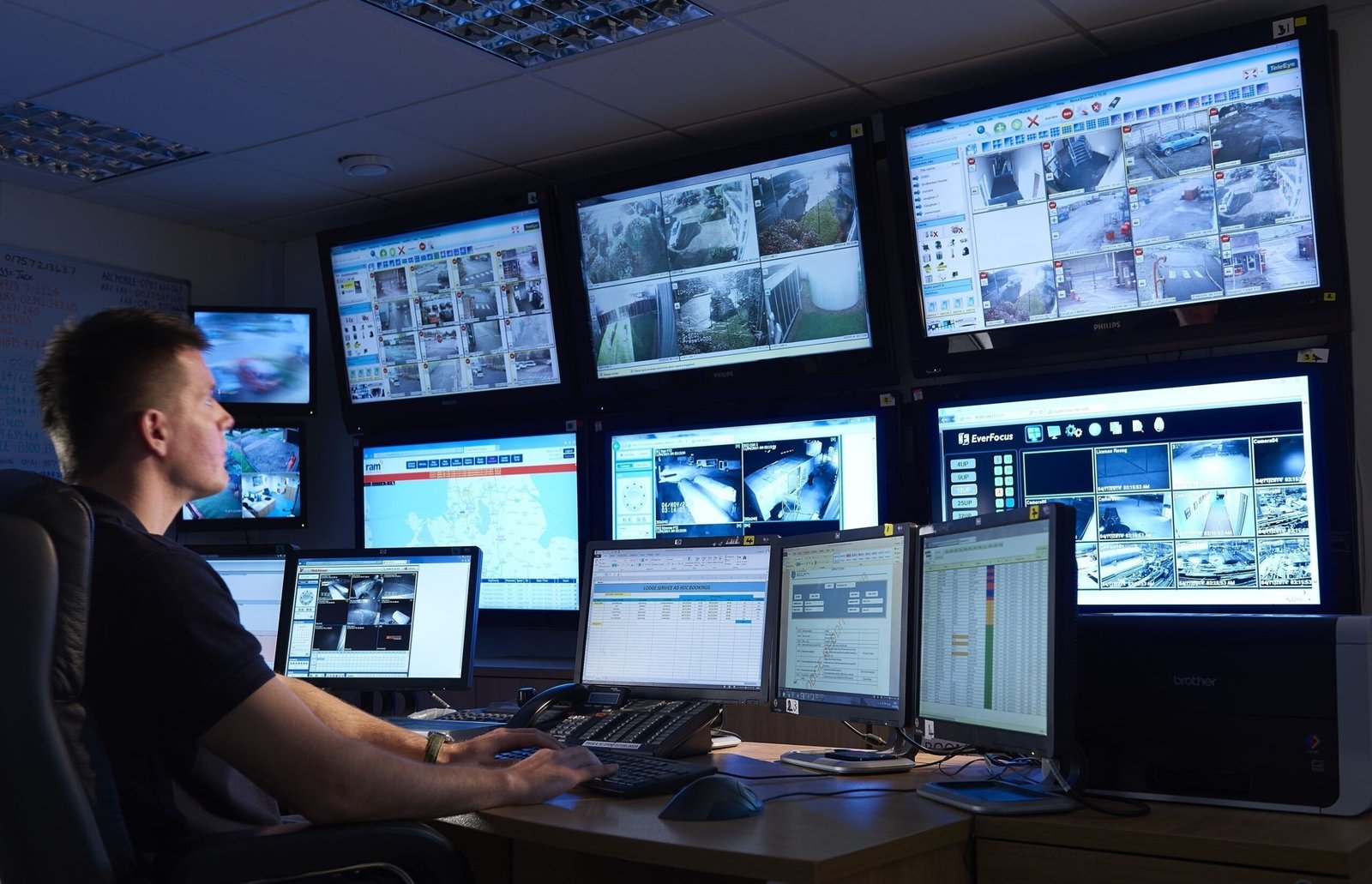
Remote CCTV access allows authorized users to connect to compatible cameras or recording systems from another location. Depending on the setup, users may be able to watch live feeds, review stored video, check specific cameras, or receive notifications triggered by configured motion events.
A homeowner may want to see whether a package was delivered, check an exterior entrance while traveling, or review driveway activity. A business owner may need visibility into entrances, common areas, stock areas, or other important spaces when no manager is on-site.
Remote access should support the purpose of the camera system rather than become a distraction. If every minor movement creates a notification, users may eventually ignore alerts. Detection zones, sensitivity, schedules, and notification preferences should therefore be adjusted around normal property activity.
Start With Camera Placement and Useful Coverage
Remote viewing cannot correct poor camera placement. If a camera is blocked by landscaping, affected by glare, or covering an area that does not matter, viewing that feed from a phone will not make the footage more useful.
Common priorities may include entrances, driveways, parking areas, loading points, or other locations where people regularly enter or leave. Indoor placement should also consider the purpose of the space and reasonable privacy expectations.
Property owners considering remote CCTV monitoring in Philadelphia, PA should think about how building layout affects coverage. A rowhome, apartment property, storefront, warehouse, and detached residence can each require a different camera plan.
The goal is not necessarily to place a camera everywhere. It is to create useful coverage of the areas that matter when someone needs to check the system remotely.
Network Reliability Matters for Remote Viewing
Remote camera systems depend on more than the cameras. Internet connectivity, network equipment, and cabling can affect how quickly video loads and whether remote features remain available.
High-resolution video may require more network capacity, particularly when several cameras are accessed at once. Poor Wi-Fi coverage, unreliable cabling, or weak network equipment can contribute to delayed connections or inconsistent viewing.
Before relying on remote access, test it under normal conditions. Check the system from a mobile connection rather than only from the property’s Wi-Fi. Confirm that authorized users can reach the cameras, that feeds load correctly, and that recorded video is available when needed.
Configure Alerts Around Real Property Activity
Motion alerts can be valuable because property owners cannot watch camera feeds continuously. Useful notifications, however, require thoughtful configuration.
An exterior camera facing a sidewalk, road, moving trees, or shared parking area may detect activity throughout the day. If every movement creates an alert, notifications can quickly become overwhelming.
Detection zones can focus attention on relevant areas such as a driveway or private entrance. Schedules may also be helpful where activity is normal during business hours but deserves closer attention after closing.
Owners should test alerts after setup and adjust them based on real activity. Rain, changing light, deliveries, customer traffic, and landscaping movement can all affect detection behavior.
Plan How Recorded Video Will Be Stored
Remote access and video storage are related but separate decisions. Property owners should understand where recordings are kept, how long they remain available, and how they can be reviewed.
The service information states that remote CCTV work can include cloud storage configuration and remote viewing setup. Cloud-connected storage can make footage available away from the property, but capacity, retention periods, account requirements, and possible third-party subscription costs should be reviewed beforehand.
A useful storage plan should answer practical questions. How far back might footage need to be reviewed? Which cameras should record? Who should have permission to access saved clips? How will important video be preserved when it needs to be kept longer?
These decisions are especially important for businesses where several cameras may generate significant amounts of footage.
Protect Accounts and Remote Access Credentials
Convenient remote access also means property owners need to protect account credentials. Anyone with valid access may be able to view camera feeds or recordings depending on the permissions assigned to that account.
Use strong, unique passwords for security accounts. Avoid broadly sharing one login when the system supports individual users. When an employee, contractor, tenant, or family member no longer needs access, permissions should be reviewed.
Keep compatible apps and related equipment updated according to manufacturer guidance. Businesses should also match camera permissions to job responsibilities rather than giving every employee the same level of access.
Owners should know which phones, computers, and user accounts currently have permission to view the system. Reviewing access periodically can help keep remote monitoring easier to manage.
Match Monitoring to the Property
Homes and businesses may use similar camera technology, but their monitoring priorities often differ. Residential users may focus on entrances, packages, driveways, detached structures, and periods when the household is away.
Commercial properties may have longer operating hours, greater visitor traffic, multiple users, and more areas requiring coverage. Management may need access to several cameras without giving every employee identical permissions.
Property owners exploring security monitoring options in Chester, PA should identify what they actually want the system to help them observe. This may include after-hours movement, access at a particular door, parking activity, deliveries, or another property-specific concern.
A monitoring plan built around defined priorities is easier to manage than one designed simply to produce as many notifications as possible.
Test the System Before Depending on It
Once remote access is configured, test the entire setup rather than assuming that a successful app login means everything is ready.
Check each camera and confirm that its name matches its actual location. Clear labels such as Front Entrance, Rear Parking, or Driveway make the system easier to navigate than generic camera numbers.
Test live video, recorded playback, alert delivery, and configured motion zones. It is also useful to access the system while away from the property so remote viewing is confirmed outside the local network.
Testing should be repeated after major network changes, camera replacements, application updates, or other modifications that affect the surveillance system. A quick check after changes can identify connection or configuration problems before footage is actually needed.
Maintain the Cameras Behind the Remote System
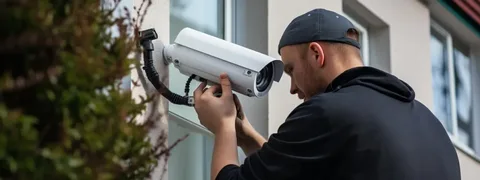
Remote CCTV monitoring still depends on properly maintained physical equipment. An app may show that a camera is online, but it cannot clean the lens or correct an obstructed view.
Exterior cameras can collect dust, water spots, debris, or spiderwebs. Landscaping may grow into the field of view, while seasonal changes can alter lighting conditions. Indoor cameras can also be moved accidentally during cleaning, maintenance, or remodeling.
Periodically review feeds during both daylight and nighttime conditions. Look for blurred images, excessive glare, changed angles, blocked views, or cameras that are no longer showing the intended area.
Safe Protect Home also describes maintenance, troubleshooting, and system checks as part of its security service approach. Checking both the software settings and the physical equipment helps keep remote viewing useful after the initial setup.
Conclusion
Remote CCTV Monitoring Services can give homeowners and businesses more convenient access to surveillance when they are away from the property. Their usefulness depends on camera placement, network performance, alert configuration, storage choices, account security, and routine testing.
For Philadelphia properties, remote access can help owners check important areas from a phone or computer without being physically present. In Chester, the same technology can support homes and businesses that need easier access to live feeds, recordings, and configured alerts.
Safe Protect Home provides remote CCTV setup alongside its wider security services. Defining what needs to be monitored first, protecting account access, and reviewing both system settings and physical cameras over time can make remote surveillance more practical for everyday use.
Frequently Asked Questions
What are Remote CCTV Monitoring Services?
They involve configuring compatible surveillance equipment so authorized users can access camera information remotely. Depending on the system, this may include live viewing, recordings, mobile or web access, cloud storage, and motion notifications.
Can I view CCTV cameras from my phone when I am away?
Compatible systems can provide mobile remote viewing when the cameras, network, account, and application are configured correctly. Access should be tested outside the property’s local network before relying on it.
Why am I receiving too many motion alerts?
Broad detection zones, sensitivity settings, traffic, trees, weather, animals, or other normal activity can create frequent alerts. Adjusting zones and notification settings can make notifications more relevant.
Does remote CCTV monitoring require an internet connection?
Remote viewing generally depends on network connectivity at the monitored property and internet or mobile access on the viewing device. Exact requirements depend on the cameras and recording equipment.
How should I protect access to my security cameras?
Use strong unique passwords, limit access to authorized users, review permissions when circumstances change, and keep compatible applications and security equipment updated according to manufacturer guidance.
How often should a remote CCTV system be checked?
Review camera views and remote access periodically and after equipment, network, or software changes. Exterior cameras should also be checked for dirt, obstructions, changed angles, or other conditions that reduce image quality.